I decided to photoshop my artists album onto the iPhone iTunes store to show what it would look like for the consuming audience as this is where the highest percent of music is downloaded.
Wednesday, 21 March 2012
Digipak almost finished
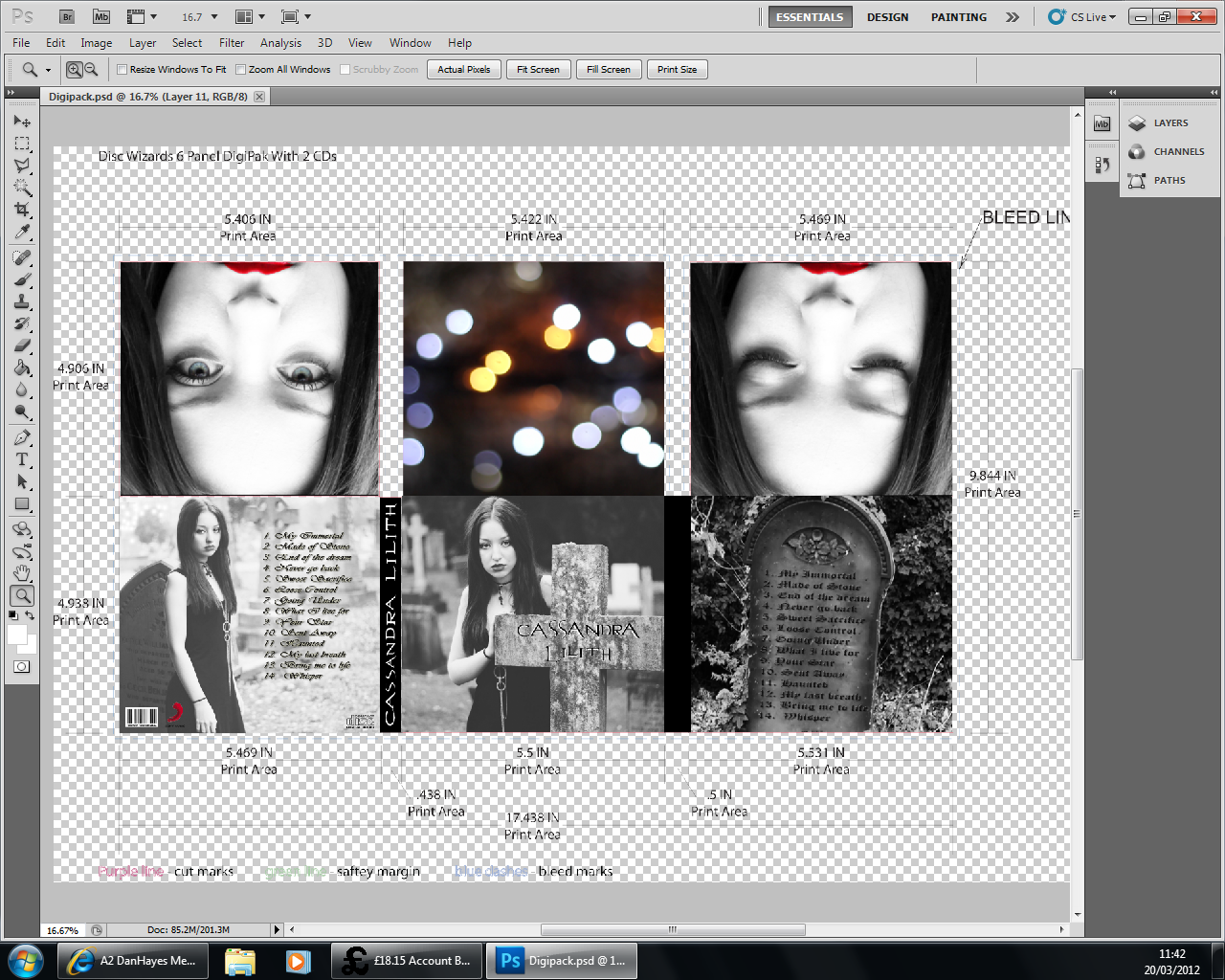
I've had to move my images around to fit into my new 2 disc template. The top left and middle images will now be were the CD is placed and the bottom right is my front cover. I have darkend the front cover and back cover to make them look more black than grayscale to show continuity from my video. I also chose to keep the lights in colour as they keep to the music videos colourscheme.
This is my final edit of my digipak, I decided to add the artists name onto the image of the lights as I didnt think the image looked finished.
Tuesday, 20 March 2012
Digipak 2nd Edit
This is my 2nd edit of my Digipak. I changed the Digipak template as I chose the wrong one to start with as it only had one space for a CD, now I have 2 CD spaces. I have changed the colour scheme to black and white to show continuity from my video. I have added a barcode and music label to make the Digipak look more realistic and I have listed the tracks as this is conventional for a Digipak. I chose to use gravestones in my images as it is conventional for my genre.
Wednesday, 14 March 2012
Digipak in the making
These are the images in place onto my digipak plan, I havnt edited the photos yet and I am still undecided whether I am going to use all of these photos or take some more.
Thursday, 2 February 2012
Wednesday, 1 February 2012
Fonts for Digipack
Subscribe to:
Posts (Atom)


.jpg)